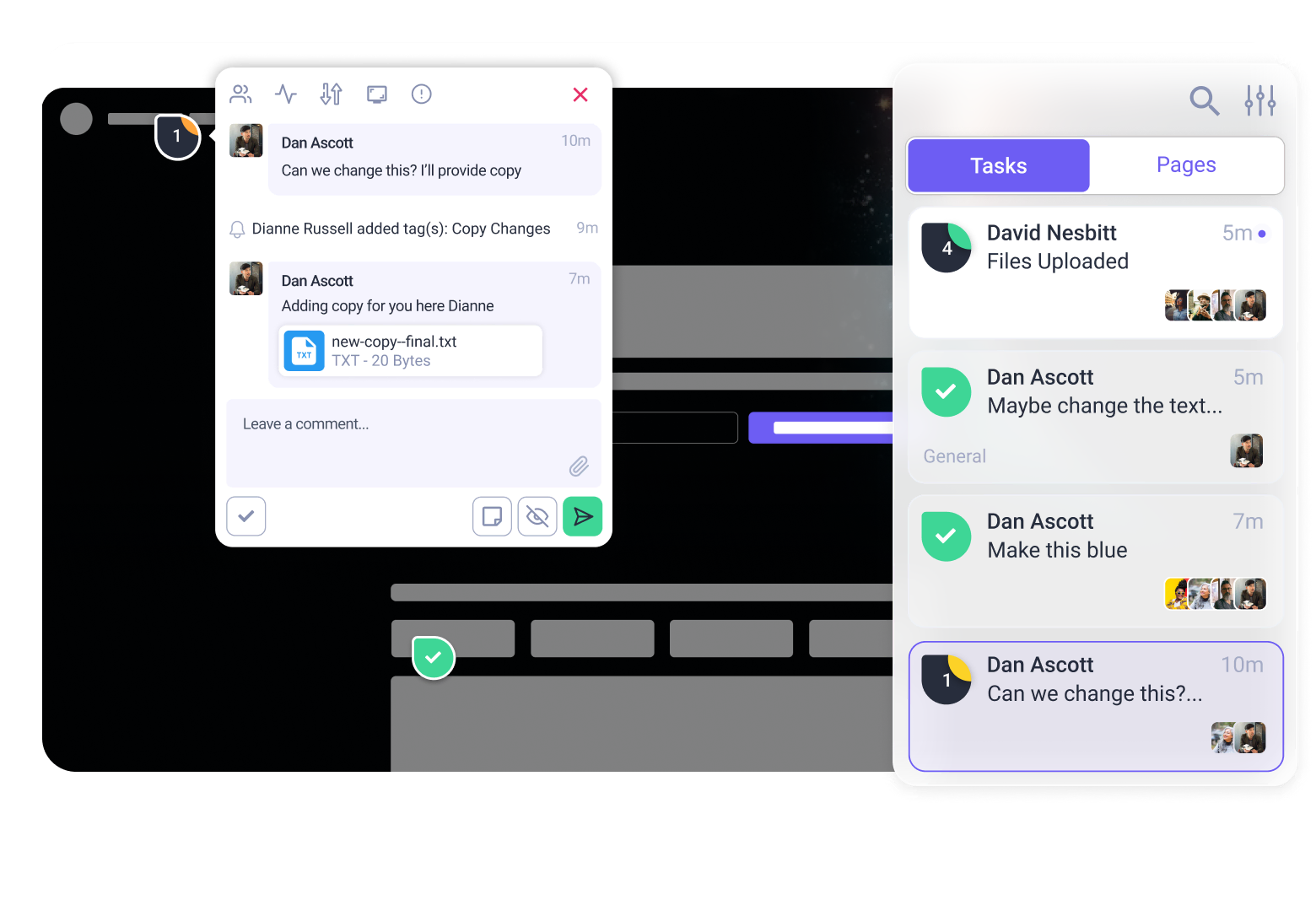


We’ve kept our heads down for the last few weeks, but for good reason. While the rest of the world was recovering from January, our engineering team we’ve been on coding spree.
We know creative collaboration is usually broken in two ways: feedback gets scattered across too many tools, and critical expertise goes missing when you’re rushing to meet a deadline.
This release tackles both.
We’ve bridged the gap between your design phase and your build phase, given the InnerCircle “eyes” to read your documents, and tightened the screws on the platform to help you ship better work, faster.
Here are the highlights. As always, you can find the full, nitty-gritty changelog on Atarim Labs.
🎨 New: The Atarim <> Figma Plugin
What it is: The number one most-requested integration is finally here. You can now import designs into Atarim directly from Figma.
Why it matters:
Feedback is a mess when it lives in one silo (Figma comments) and your build team lives in another (Atarim/Jira/Email). This plugin fixes that.
By importing your frames directly into Atarim, you move the feedback loop out of isolated files and into a centralised visual collaboration platform.
You get version control, clear task statuses, and the ability to pull clients into a lane where they can actually be helpful… without letting them break your auto-layout.
How to use it:
- Install the plugin (link below).
- Import your frames directly into an Atarim Project.
- Collaborate: Use our visual tools (which go way deeper than standard Figma comments) to leave expert feedback on the design before a single line of code is written.
👉 Get the Atarim Figma Plugin here
🧠 New: AI File Uploads & “Reasoning”


What it is: You can now upload up to 5 files (PDFs, images, docs) for the AI to reference. Plus, we’ve upgraded the reasoning engine behind the scenes—reviews are now 2.3x faster.
Why it matters:
Until now, the AI analysed what was on the page. Now, it can analyse what should be on the page.
This is a massive upgrade for the InnerCircle. It means Pixel (Design) can check your live site against a Figma export, or Lexi (Copy) can cross-reference a page against a PDF of your brand voice guidelines.
It’s the difference between a generic review and a strategic audit.
How to use it:
- The Compliance Check: Upload a PDF of your client’s brand guidelines and ask the AI: “Does this page match the fonts and colours in the attached PDF?”
- The Design Audit: Upload the original Figma export as an image and ask: “List every visual difference between the live page and this image.”
- One-Click QA: Combine this with Canned Prompts to turn a complex document check into a single button click.
⚡ Feature: Due Dates & Inbox Bulk Actions


What it is: Essential project management tools to help you stop sacrificing quality for deadlines.
Why it matters:
When you’re managing 50,000+ tasks (like some of our larger agencies), “clarity” isn’t a luxury—it’s survival. We’ve added visual deadlines and bulk controls so you can clear the noise and focus on the deep work.
Quick wins:
- Due Dates: Look for the new badge in the sidebar and Kanban board. It changes colour as the deadline looms (red means run).
- Bulk Actions: In the Email Inbox, select 10 emails at once and hit Archive, Delete, or Change Status. Immensely satisfying.
- Real-time Titles: You can now edit task titles directly in the Inbox without opening the full task view. Claro likes this one – it turns vague “fix this” titles into actionable to-dos instantly.
☕️ Quality of Life Updates
- Smart Widget States: The Atarim widget now knows who is looking at it. It collapses to get out of the way for “Pro” users (you) but stays visible for clients who need that friendly “Help” button.
- Tab-to-Mention: You can now use the Tab key to quickly select a user when @mentioning them in comments. Smooth.
- New File Support: We’ve added support for uploading AI, PSD, and DWG (AutoCAD) files. This is a little prep work for a very big release coming soon (see below).
🔧 Under-the-Hood Fixes
We’ve tackled a massive batch of bugs to make the platform feel solid, predictable, and professional.
- Browse Mode: Now works properly in tablet and mobile previews.
- Real-Time Comments: Edited comments now update instantly for everyone without needing a refresh. No more “Wait, what did you just say?” moments.
- Ghost Button: The “Add page for review” button no longer disappears when you have a crowded sidebar.
- Slack Integration: Cleaned up the settings layout so it actually looks like part of the app.
- Enterprise Forms: Page titles in forms now respect your settings (if you disabled them, they stay hidden).
What’s Coming Next?
- The Rebuilt Graphic Feedback Tool: We’ve dropped a few hints with the new file support (DWG/PSD), but we are completely overhauling how you review static assets. We’re taking the “Expertise Layer” we built for websites and applying it to any visual file. It’s coming very soon.
Time to get to work
- Install the Figma Plugin and sync your first design.
- Log in and try uploading a PDF to test the new AI vision.
- Head over to Atarim Labs to see the full release notes and vote on the roadmap.