
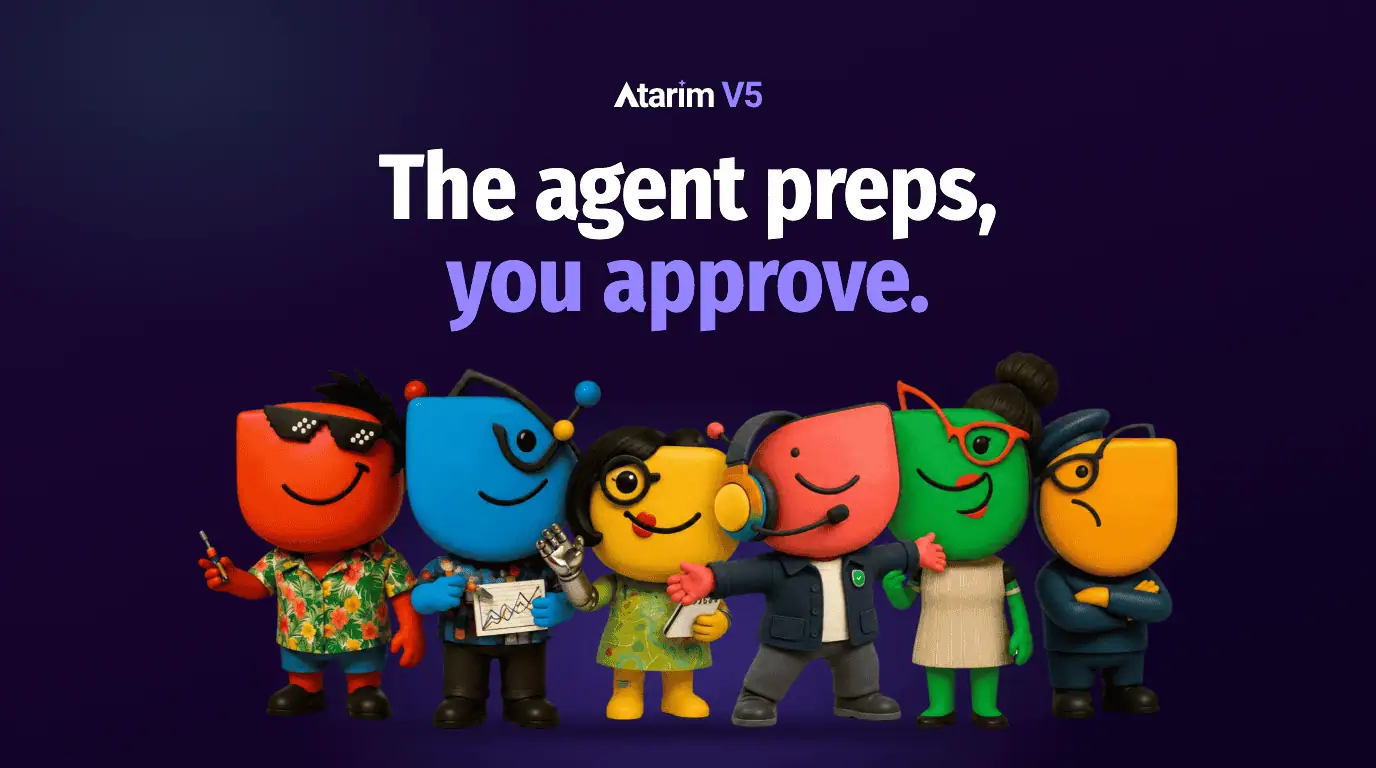
AI website management for agencies means handing the repetitive work, like feedback triage, routine updates and monthly reports, to AI agents that prepare each change while a person approves it.
Digital agency profit margins almost never collapse because somebody made a bad strategic call. They erode through a thousand tiny operational cuts, and every one of them looks too small to worry about on the day it happens.
Here’s one. You’ve had this exact week.
A client emails a screenshot, no crop, no context, with the line: “This button looks weird.”
Your project manager opens a ticket. Logs into staging. Tries to work out which viewport she was even looking at. Asks a developer to inspect the CSS. Follows up three days later because she’s gone quiet. Billable value delivered: zero. Agency time burned: call it forty-five minutes.
Now say you’re managing multi-client WordPress sites across thirty active clients on maintenance retainers and live builds. Do that maths and your delivery margins disappear into unbilled admin. Not into bad work. Into overhead nobody sold.
For the last couple of years the answer everyone reached for was a chatbot. Conversational AI, prompt libraries, a shared doc of clever prompts. And I’ll be honest, I was excited about it too.
It mostly didn’t work. Copy-pasting a client ticket into a ChatGPT window just added one more disconnected tool to a stack that was already too big. A chatbot can suggest a fix. It cannot check a breakpoint, look at your asset, or safely ship a stylesheet change. It’s giving you advice about a site it has never seen, when what you actually need is help inside the site, where the work happens.
The shift that actually moves the needle for studios is from conversational assistants to AI agents for web design agencies. Role-based autonomous workers that triage, execute and verify the repetitive stuff inside the workflow, rather than in a tab off to the side.
AI website management: autonomous execution vs conversational AI
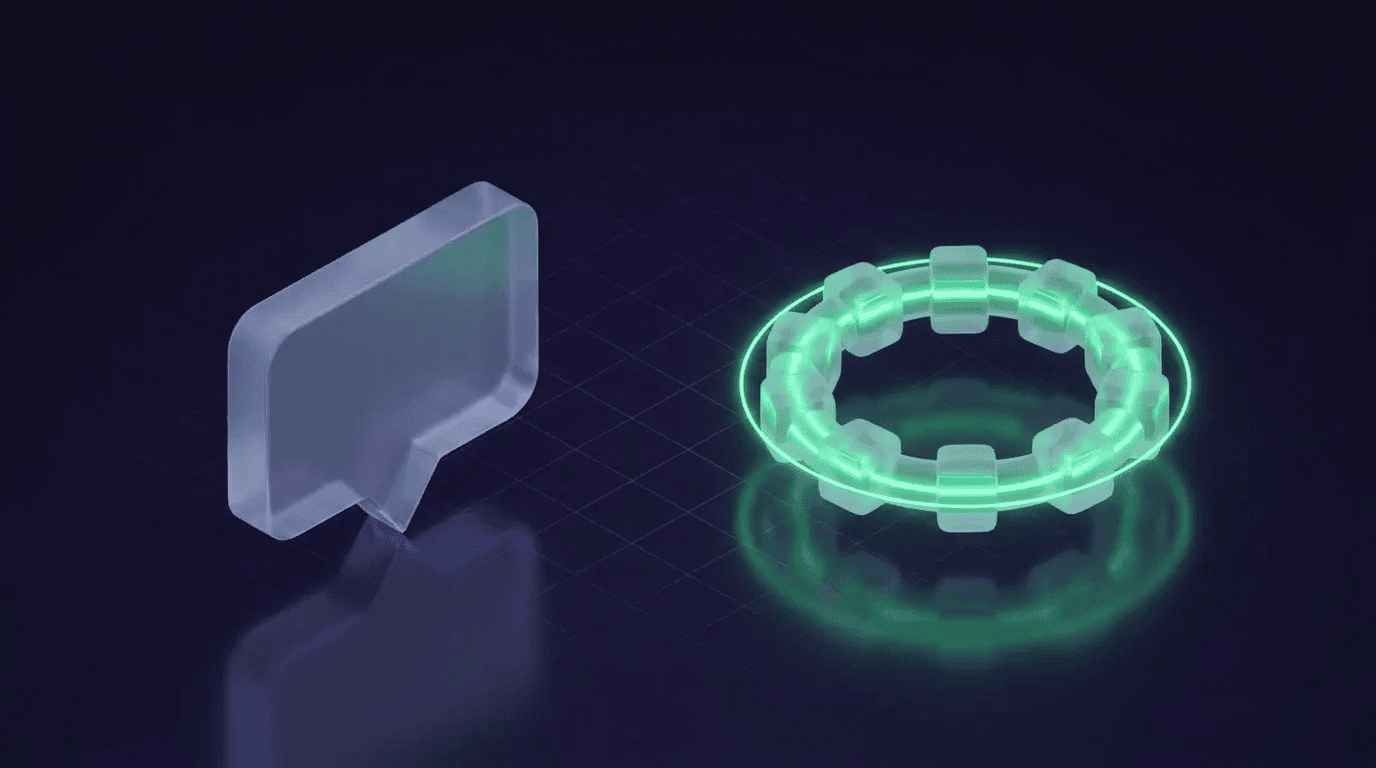
This distinction decides whether you save hours or just create new QA debt for your team to clean up later. Worth being precise about it.
A conversational assistant waits for you. It needs constant prompting. It outputs text in another window and hands implementation straight back to your people. When it writes CSS, a developer still has to copy it out, open the theme editor, paste it in, test responsiveness, and go tell the client. You’ve moved the typing, not the work.
An autonomous agent runs closed-loop execution inside your production environment. Client leaves visual feedback on the page, the agent reads the context around it, inspects the underlying DOM, prepares the targeted fix, checks the result against visual regressions, and stages it for a human to approve.
One gives you a suggestion. The other gives you something to review. That’s the whole game.
And look, we’re not inventing anything here. I’ve always thought about this as digitizing human experiences. An agent doing visual feedback triage is doing exactly what a good junior does on a good day: read the ticket, work out what she actually meant, check the obvious things, tee it up for the senior. We just taught the machine to do that on every ticket, at a scale no team could staff for.
The safety chain: autonomous doesn’t mean ungoverned
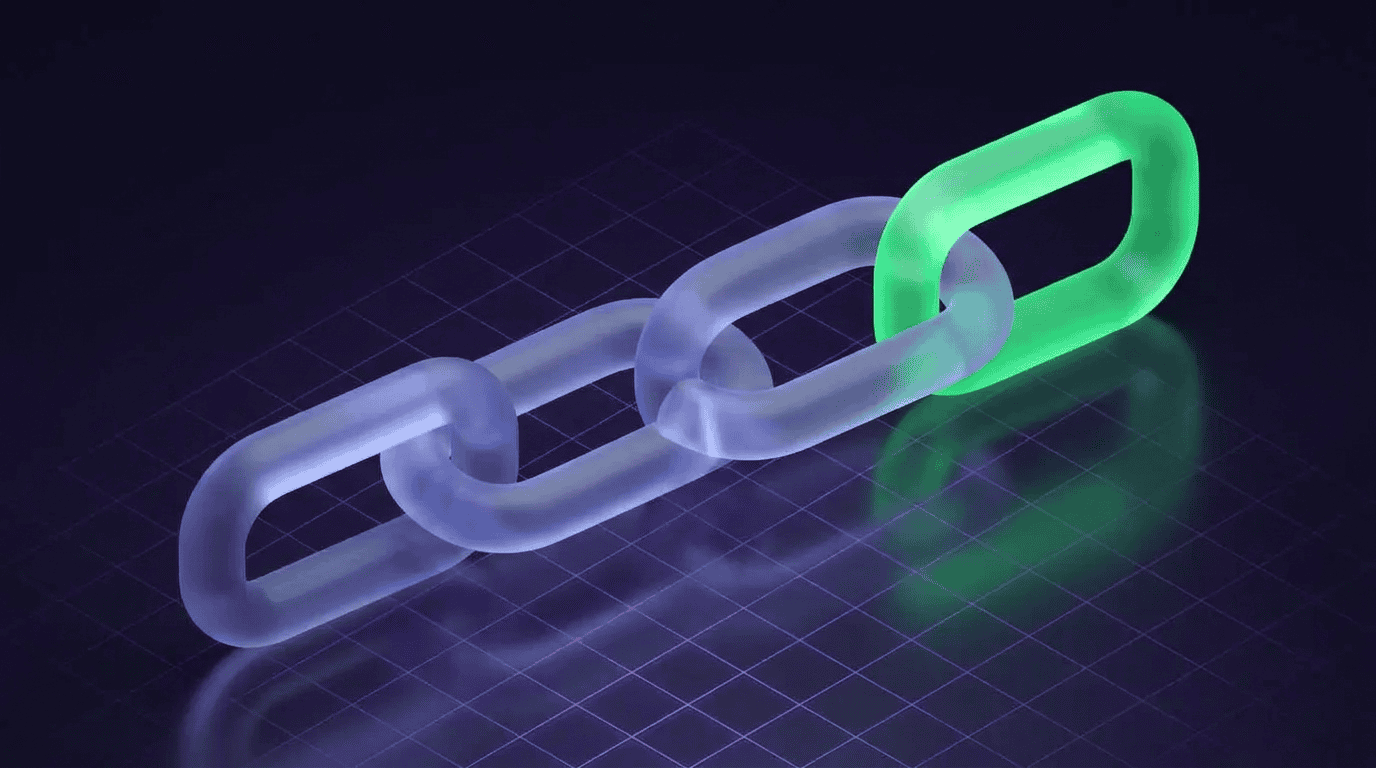
Every agency owner I talk to hits the same wall here, and they’re right to. Letting an automated system touch a client’s build is a genuinely scary sentence. I wouldn’t do it either without the following in place.
Safe AI website management comes down to four governance guardrails:
Pre-execution safety backups. An automatic snapshot restore point before anything touches a file or a database. Non-negotiable, and cheap.
Human-in-the-loop sign-off gates. Anything client-facing, anything destructive, anything going to production sits in a queue for a project manager or developer to approve. The agent prepares, a human ships.
Automated visual diff verification. Post-change screenshots that confirm the fix actually solved the reported issue and didn’t quietly break the container next to it. The agent checks its own work before it asks for your time.
One-click rollback paths. Instant reversal to the exact previous state if review fails. If you can undo it in a second, the whole thing stops being frightening.
Put those four in place and the conversation changes from “can I trust this” to “what should I hand it first.”
Four AI website management workflows built for agent delegation
AI website management pays for itself fastest on high-frequency, low-variance work. The boring stuff you’ve done ten thousand times. Here’s where I’d start.
1. Visual feedback triage and asset validation
Markup rounds are where the admin drag lives. Clients submit vague requests, missing assets, images they cropped in Preview at 3am.
An agent specialising in UX and design inspection reads the task context the second it lands. It spots the missing dimensions, validates contrast ratios, checks image formats, and asks the client for what’s missing before a developer has opened the ticket at all.
This is Pixel’s job on our crew, and I designed him as the permanently frustrated designer for a reason. Nothing is ever good enough. Everything could always be better. That’s exactly the personality you want reading incoming feedback first.
2. Routine site updates, performance checks and regression audits
Maintenance retainers rot into checklist marathons. Somebody’s Monday morning is gone.
Autonomous AI website management means scheduled performance checks, core web vitals audits, broken asset flagging, and visual screenshot comparison across viewport widths, all happening on their own. Instead of a developer clicking through staging sites hoping to find nothing, your team gets a filtered exception report listing only the things a human actually needs to look at. Our website QA checklist covers the manual version of these checks.
Everything else already happened. Nobody had to be brave about it.
3. On-page copy, metadata and styling revisions
Small copy changes eat a wildly disproportionate amount of project management time. It’s never the change, it’s the eleven messages around the change.
Client wants updated meta descriptions, a couple of header rewrites, a colour adjustment across a landing page. An autonomous agent reads the project’s brand kit, applies the edits in a draft state, validates character counts and typography rules against your conventions, and presents the staged change for approval.
Lexi handles the words on our crew, Index takes the SEO side. Which brings me to something worth saying: don’t think of these as “the AI.” Think of them as the specialists you’d hire if you could afford six of them.
4. Client health reporting and care plan value delivery
Retainer churn almost always traces back to one thing: she can’t see where the monthly fee goes.
An autonomous workflow collects the completed maintenance items, uptime metrics, security scans and speed audits, and compiles them into a short summary a human being would actually read. Care plan value gets proven every month, on its own, without an account manager rebuilding a spreadsheet on a Friday afternoon.
Be the one who tells her the site is healthy. Every time.
AI website management turns your team from doers into supervisors

Here’s the part people get wrong. Deploying AI agents doesn’t replace your team. It changes what they’re for, turning them from manual task executors into delivery supervisors.
When the repetitive work goes to specialist agents, your senior developers and delivery leads spend their day on architectural decisions, custom feature development, and the client relationships that actually renew. A technical lead can hold more concurrent builds than before, because triage, formatting, basic styling and regression checking are happening underneath them instead of through them.
Three things make that transition work:
Define your brand and code constraints up front. Design tokens, typography rules, stack conventions, all stored in the project settings so agents execute inside real boundaries instead of guessing. Context is everything. Hand it your standards and you get your standards back.
Assign role-based specialists. Match agent personas to actual domains: copy refinement, SEO audits, accessibility checks, bug triage. That’s why our crew are characters rather than one generic robot with a dropdown. Claro runs the project and talks to clients. Navi handles accessibility. Each one is a caricature of somebody I’ve actually worked with, because a team is easier to delegate to than a feature.
Keep human approval checkpoints. Client-facing and production deployments stay gated. Always. You’re supervising, not spectating.
Scaling AI website management without inflating headcount
Agency profitability comes down to delivery velocity and payroll efficiency. And the old fix for administrative friction was to throw another pair of hands at it, which just grows the overhead you were trying to escape.
Bringing AI website management into your client collaboration and maintenance pipelines removes the unbilled churn, protects project margins, and lets your studio take on more capacity without another hire.
That’s the whole reason we built Atarim the way we did: the AI web agency, plugged into yours, doing the client work under your brand, on the actual page, instead of scattered across four tools and an inbox.
Hand off your first ticket to the Inner Circle
If the button-looks-weird ticket is where you’d start too, that’s the AI website management job Atarim was built for. It’s the AI web agency, plugged into yours: six specialists called the Inner Circle, covering design, copy, SEO, UX, QA and project management, doing the work on the actual page and under your agency’s name.
Nothing reaches a client until you approve it, so you stay the one who ships.
Paste in your URL to meet the team, with no account or card needed. $67 a month switches them on.
And once that first ticket is off your plate, what’s the next job you’d hand over?
AI website management FAQs
What AI tools can fix and manage websites for agencies?
There are two kinds of AI website management tools. Some feedback tools, like BugHerd and Marker.io, connect to an AI coding agent you run yourself, such as Claude Code or Cursor, which attempts fixes for a developer to review. Atarim is the AI web agency, plugged into yours: six specialists called the Inner Circle, covering design, copy, SEO, UX, QA and project management, do the client work under your brand, and nothing reaches a client without your approval.
What is the difference between an AI agent and an AI chatbot?
A chatbot answers questions in a separate window and hands the work back to you. An AI agent works inside your workflow: it reads the task, inspects the actual page, prepares the fix, checks the result and stages it for a person to approve. One gives you a suggestion. The other gives you something finished to review.
Is it safe to let AI agents make changes to client websites?
It is when four guardrails are in place: an automatic backup before any change, a person approving anything client-facing or going to production, screenshots that confirm the fix worked without breaking anything nearby, and a one-click rollback. With those, nothing ships without your sign-off and every change can be undone.
Will AI agents replace my agency team?
No. They take over repetitive work like feedback triage, routine updates, small copy changes and monthly reports. Your developers and project leads move from doing that work to supervising it, which frees their time for custom builds, technical decisions and the client relationships that renew retainers.
Which agency tasks should I hand to AI agents first?
Start with high-frequency, low-risk work: triaging vague client feedback, scheduled performance and security checks, meta description and small copy updates, and monthly care plan reports. These eat the most unbilled time, follow clear rules, and are easy to review before anything goes live.